 Less
LessYour phone,
minus the noise.
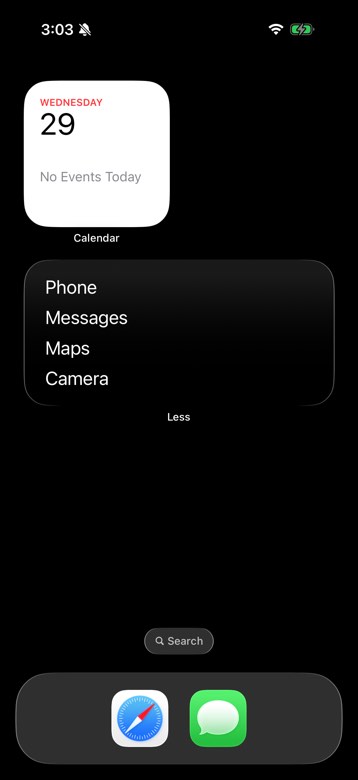
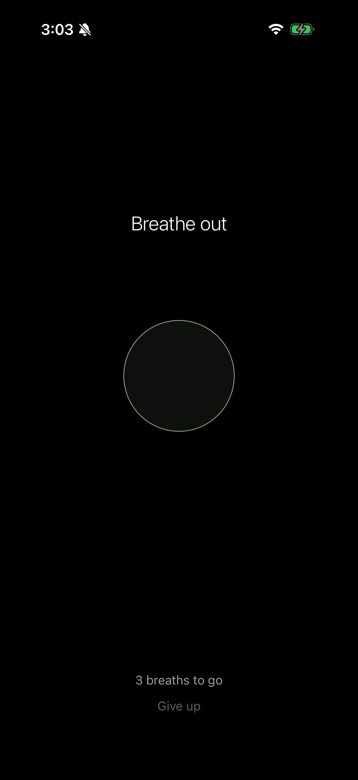
Less turns your iPhone into a minimal dumbphone. A text-only home screen with the apps you need, and a deep breath before the ones you don't.
Free · iPhone & iPad · Installs via Apple's TestFlight app
↓
Your home screen decides where your attention goes. Less makes that decision yours again.
1 / 4
Only what you need.
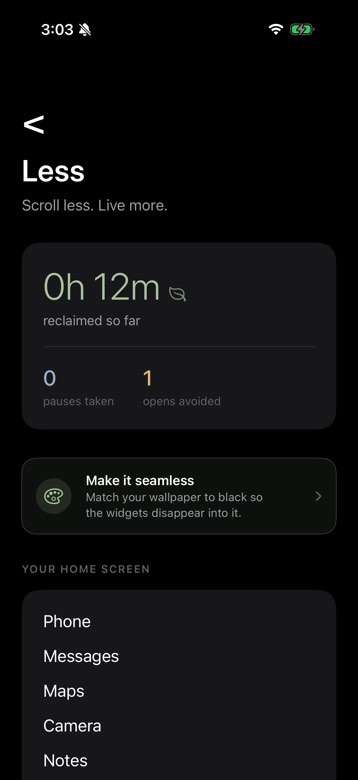
Two widgets replace your app grid with a plain text list of your essential apps. Everything else stays out of sight.
Set up in a minute.
- 1Download Less and pick your essential apps.
- 2Add the Top and Bottom widgets to your Home Screen.
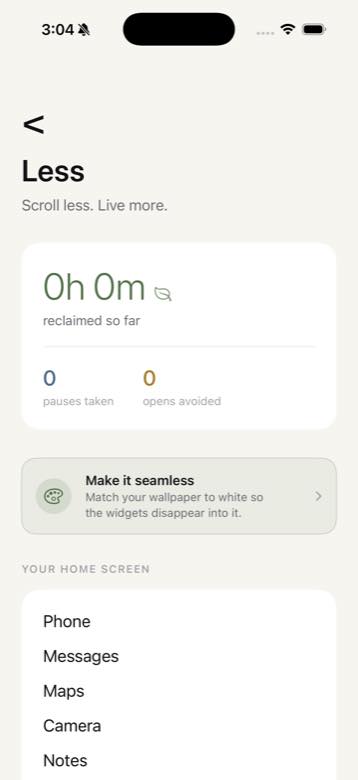
- 3Match your wallpaper and hide your other pages.
- 4That's it. Your phone is a tool again.
Do less. Live more.